OpenAI Workspace Agents 2026: Build AI Agents for Slack, Gmail, and More
What OpenAI workspace agents are
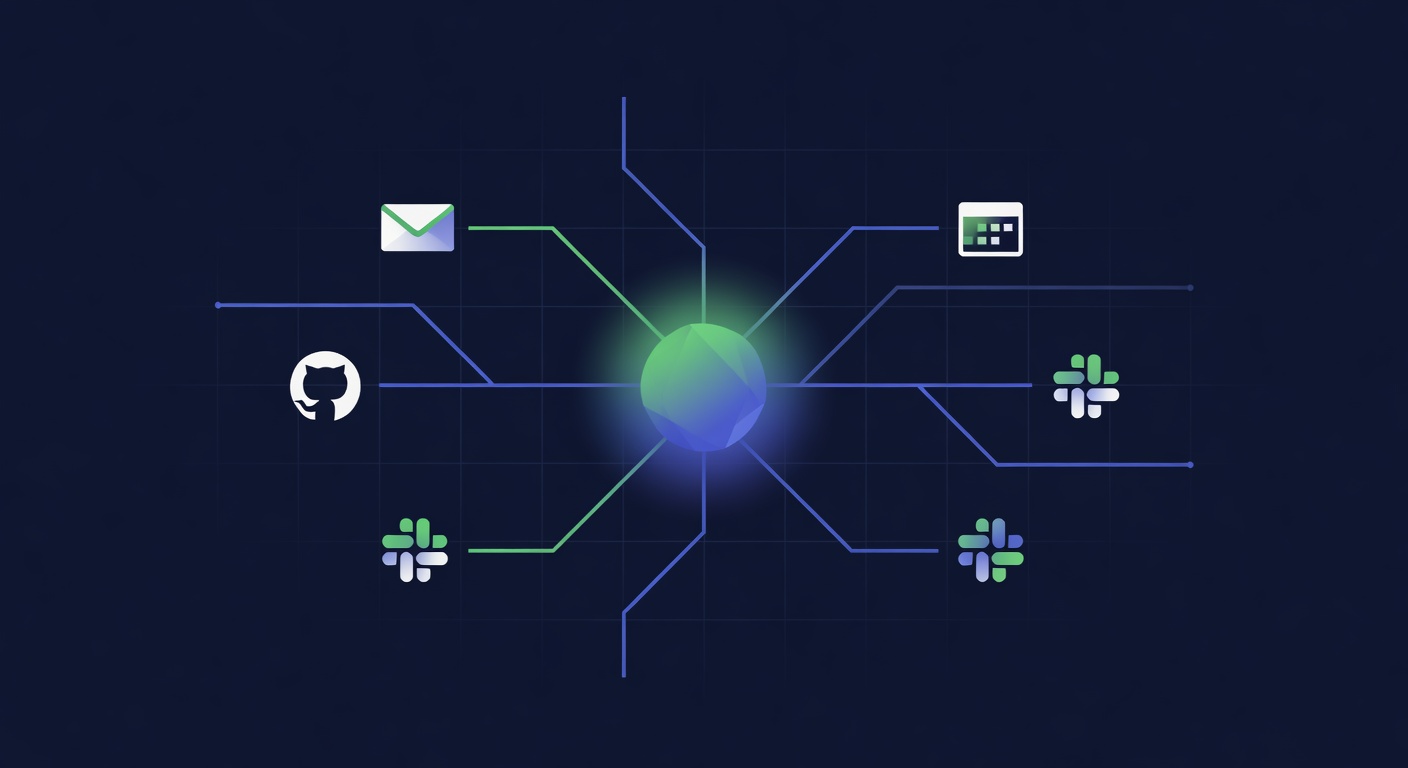
OpenAI's workspace agents are GPT-5.5-powered automations that connect to your work tools — Slack, Gmail, Google Calendar, Notion, GitHub, and others — and can take actions on your behalf. Unlike simple chatbots, they can read and write across multiple systems: summarizing emails and drafting replies, triaging Slack messages, creating calendar events from meeting notes, opening GitHub issues from bug reports.
They're not fully autonomous — most actions require confirmation — but the right setup eliminates significant manual work on repetitive workflows.
What workspace agents can do today
| Tool | Read | Write/Act | Maturity |
|---|---|---|---|
| Gmail | Read, search, summarize | Draft, send, label, archive | Solid |
| Google Calendar | Read events, find free time | Create, update, decline events | Solid |
| Slack | Read messages, search history | Post messages, create channels | Good |
| GitHub | Read issues, PRs, code | Create issues, comment, label | Good |
| Notion | Read pages, databases | Create, update pages | Early |
| Salesforce | Read contacts, deals | Update records, create tasks | Early |
Watch: OpenAI workspace agents in action
Setting up your first workspace agent
The setup is through ChatGPT's agent interface (requires ChatGPT Plus or Team plan). The basic flow:
- Connect your accounts under Settings → Integrations
- Create a new agent and describe its role (e.g., "Email triage assistant — summarize new emails every morning, draft replies for routine requests, flag anything urgent")
- Set a trigger (schedule, keyword, manual) and confirmation behavior (confirm all, confirm writes only, run autonomously)
- Test with low-stakes examples before enabling autonomous operation
The most important configuration decision is confirmation behavior. Fully autonomous agents that write and send without review will make mistakes — and a badly timed email or deleted Slack message is harder to undo than an unsent draft. For most teams, "confirm writes, run reads autonomously" is the right starting point.
Workflows that actually work well
Daily email digest: Agent reads your inbox at 8am, summarizes threads by priority, drafts suggested replies for routine messages. Saves 20-40 minutes of morning inbox processing.
Meeting follow-up: After a calendar event, agent reads the meeting notes (if shared to a doc), extracts action items, creates tasks in your project tool, and sends a follow-up email to attendees. Highly reliable on structured meeting notes.
GitHub issue triage: Agent monitors new issues, applies labels based on content, assigns to team members based on expertise keywords, and posts a first-response comment for common issue types.
Slack digest: Agent summarizes unread messages in key channels when you're offline or in focus mode, so you can catch up without scrolling through everything.
Where it still struggles
Multi-system workflows with dependencies are brittle. An agent that reads a Slack message, creates a Notion page, and then emails a link to the page will fail intermittently when any one step has a timing issue or API hiccup. Build these with confirmation steps and error handling until the integrations mature.
Anything requiring real judgment — deciding whether an email deserves a detailed response or a short acknowledgment, knowing when a GitHub issue is actually a feature request in disguise — is still better done by a human. The agents are good at classification and templates; they're not good at reading between the lines.
FAQ
Do workspace agents work with Microsoft 365?
Outlook and Teams integrations are in beta as of May 2026, with limited functionality compared to the Google Workspace integrations. Full feature parity is expected later in 2026.
Is there a risk of agents sending emails accidentally?
Yes — the default confirmation setting requires approval for any write action including sends. Change this to autonomous only after you've verified the agent's behavior on several test runs. Never start with "send without confirmation" enabled.
Can multiple agents collaborate?
OpenAI's multi-agent framework supports agents handing off tasks between each other, but this requires API-level configuration. The ChatGPT interface exposes single-agent setups; multi-agent pipelines need the Agents API directly.
Sources
Further Reading
Try all the models mentioned in this article
Admix gives you GPT-5, Claude, Gemini, and 300+ AI models in one app. Compare responses side by side. Try it for 7 days for $1.99.
Try Admix for $1.99