Cursor's Agent Can Now Click Around Your Desktop, Including the iOS Simulator
Quick verdict
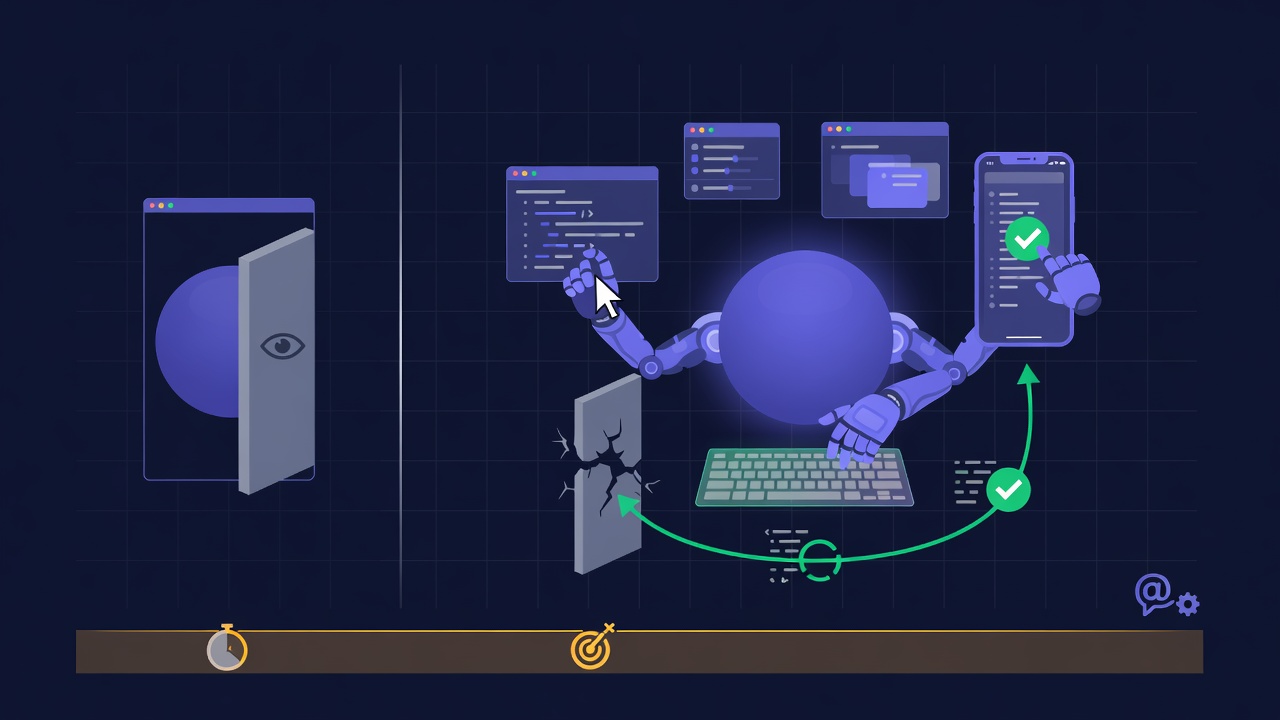
Cursor's agent can now take over your desktop. It clicks and types across other applications, including the iOS Simulator, so it can run and check the thing it just wrote instead of stopping at the file it edited. You can ask for it with a "Computer Use" mention, or Cursor can reach for it on its own when a task needs it. Plenty of tools already drive a GUI in a browser. The new part is that a coding agent can finally reach native apps it was blind to before.
What actually shipped
Until now, an agent that wrote code could verify it in a few narrow ways: run the tests, hit an API, or drive a web page in a headless browser. Anything that lived in a native window was a blind spot. A SwiftUI screen in the iOS Simulator, a desktop app's settings panel, a drag-and-drop interaction in a design tool, those were all things the agent produced but could not see the result of. A human had to run the app, look at it, and report back.
Computer use removes that handoff for the desktop. Cursor's agent can move the pointer, click buttons, type into fields, and read what comes back across applications on the machine, the iOS Simulator among them. So when it builds an iOS layout, it can boot the simulator, tap through the screen, and confirm the button it added does what the ticket asked. It invokes the capability automatically when a task calls for it, or you can force it by writing Computer Use into the prompt.
Why it matters
The gap between "the agent wrote plausible code" and "the agent confirmed the code works" is where most of the trust in coding agents is won or lost. Browser control already let agents verify web apps. Native desktop and mobile were the part a human still had to babysit. Pulling the simulator into the loop is the more interesting half of this, because mobile is exactly the surface where "looks right in the diff" and "renders right on the device" drift apart the most.
There is a practical cost to weigh against that. Driving a GUI pixel by pixel is slower and more expensive than running a test suite, and it can go wrong in ways a unit test cannot: a misread screen, a click on the wrong element, a simulator that was in a stale state. Computer use is a verification tool for the cases where no cheaper check exists, not a replacement for tests. The useful mental model is that it extends how far an agent can confirm its own work, not that it should confirm everything this way.
For the broader race, this is Cursor answering a question every coding tool is now being measured on: once the model can write the code, how much of the checking can it do before it comes back to you? Anthropic's Claude Code and OpenAI's Codex have pushed on terminal and test-running autonomy. Browser-driving agents cover the web. Reaching into native apps and the simulator is Cursor staking out the part of the workflow that was still manual.
Video: Cursor on giving every agent a computer
Cursor's own walkthrough of the idea behind computer use, why an agent needs a machine it can actually operate rather than just a shell.
FAQ
Is this different from a browser agent?
Yes. A browser agent drives web pages inside a browser. Cursor's computer use drives applications on the desktop itself, so it can reach native windows and the iOS Simulator that a browser never touches.
Does it run automatically or do I have to ask?
Both. Cursor can invoke computer use on its own when a task needs it, and you can trigger it explicitly by mentioning Computer Use in your prompt.
Should it replace my tests?
No. Clicking through a UI is slower and less reliable than a test suite. Use it to check the things tests cannot easily cover, like a rendered mobile screen, and keep your tests for everything else. If you are still deciding which coding agent fits your workflow, our ranked rundown of AI coding agents compares them on exactly this kind of autonomy.
Sources
- @cursor_ai - Computer Use launch: agents can click and type across desktop apps and the iOS Simulator
- @cursor_ai - how to invoke it, automatically or with an explicit Computer Use mention
Further reading
Try all the models mentioned in this article
Admix gives you GPT-5, Claude, Gemini, and 350+ AI models in one app. Compare responses side by side. Try it for 7 days for $1.99.
Try Admix for $1.99