OpenAI Just Turned On ChatGPT Lockdown Mode for Everyone, and It Tells You How Bad Prompt Injection Is
Quick verdict
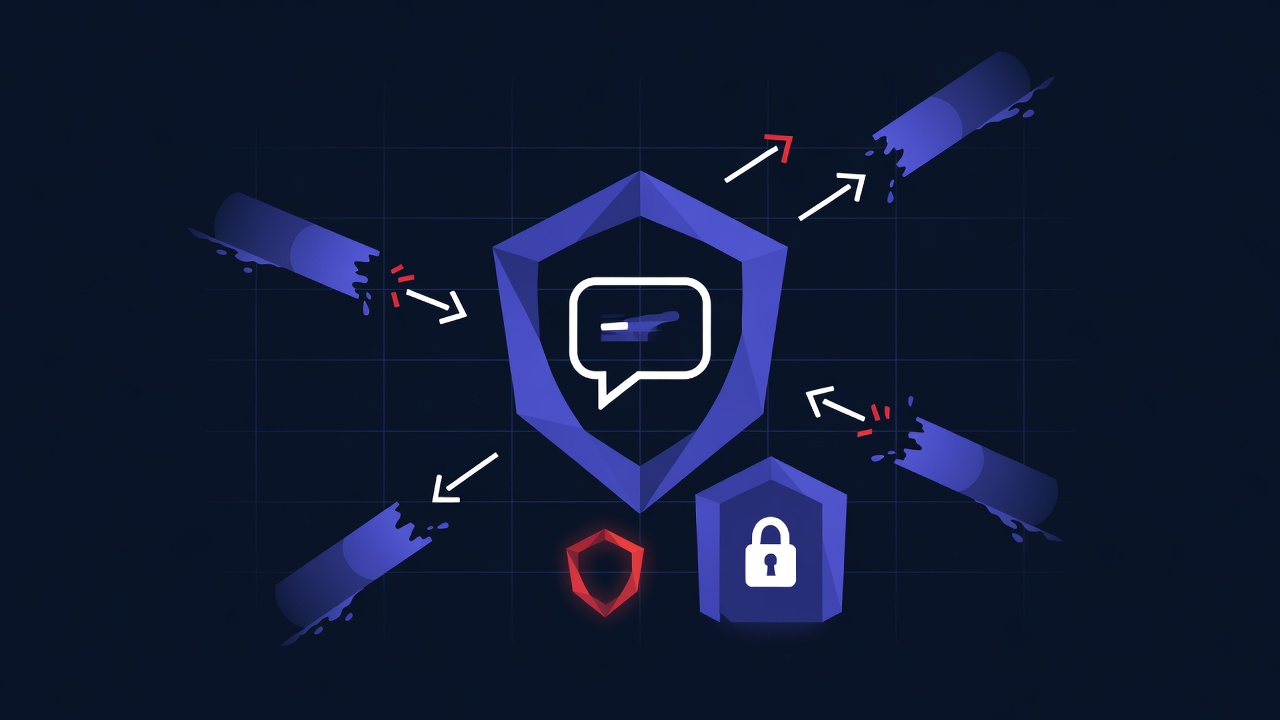
OpenAI shipped Lockdown Mode to every ChatGPT account. It is a defensive switch that strips out the parts of ChatGPT that can send data off your machine, which is exactly how a prompt-injection attack finishes the job. Turning it on disables live browsing, agent mode, deep research, image retrieval, Canvas networking, and file downloads. The honest read on this is mixed: it is a real fix for a real attack, and it is also OpenAI admitting that the agentic features it spent a year selling are dangerous enough that some people should turn them off.
What actually shipped
Lockdown Mode is an opt-in setting that is now available to all users, not just enterprise accounts. The thing it targets is the final step of a prompt-injection attack. The attack itself starts when ChatGPT reads content you did not write, a webpage, an email, a pasted document, and that content contains hidden instructions. If the model follows them, it can be told to take your data and send it somewhere. Lockdown Mode breaks that last step by cutting the outbound paths.
- Live web browsing is off, so the model cannot fetch an attacker-controlled URL that smuggles your data out in the query string.
- Agent mode and deep research are off, since both let ChatGPT take multi-step actions against the open web on your behalf.
- Image retrieval is off, because a remote image request is a classic exfiltration channel: the URL it loads can carry stolen text.
- Canvas networking and file downloads are off, closing two more ways data can leave the session.
The framing from OpenAI's own security side was that this reduces the last stage of prompt-injection-driven data exfiltration by limiting outbound network requests. That is a precise claim, and it is the right one. Lockdown Mode does not promise the model will never be fooled. It accepts that the model can be fooled and removes the exit doors so a successful injection has nowhere to send what it grabbed.
The timing was not great for OpenAI on the trust front. The same week, the company had an incident where it incorrectly suspended a batch of accounts and then worked to restore most of them. None of that is connected to Lockdown Mode, but it landed in the same news cycle and made the broader point that running your work life through a single provider carries operational risk on top of security risk.
Why it matters
Prompt injection is the security problem that the agent era has not solved, and Lockdown Mode is the clearest signal yet that the labs know it. The whole pitch of agent mode and deep research is that ChatGPT goes out, reads the web, and acts for you. Every one of those capabilities is also an attack surface, because the model cannot reliably tell your instructions apart from instructions hidden in the page it just read. A defense that works by switching the agent features off is useful and a little damning at the same time.
For most people the practical takeaway is simple. If you paste sensitive material into ChatGPT, contracts, internal docs, anything with credentials in it, turn Lockdown Mode on for that session. You lose browsing and agents, which you probably did not need for a summarize-this-document task anyway. The tradeoff only bites when you actually want the agent to go online, and that is precisely the moment the risk is highest.
It also feeds the longer argument about whether one mega-assistant should hold all your context. The more a single tool can read your files, browse your accounts, and act on your behalf, the more one successful injection can do. Spreading work across models behind one controlled layer is partly a cost decision, which we get into in the best app for running multiple AI models, but it is a blast-radius decision too. If you are weighing how much to route through any single provider, our look at the AI subscription trap covers the lock-in side of the same question.
Video: how prompt injection actually works
If you have not seen a prompt-injection attack walked through end to end, this explains the mechanism Lockdown Mode is built to stop.
FAQ
What does ChatGPT Lockdown Mode actually turn off?
Live web browsing, agent mode, deep research, image retrieval, Canvas networking, and file downloads. Those are the features that let ChatGPT make outbound requests, which is the channel a prompt-injection attack uses to send your data out.
Does Lockdown Mode stop prompt injection completely?
No, and OpenAI is careful not to claim that. The model can still be tricked into following hidden instructions. What Lockdown Mode removes is the ability to act on that trickery in a way that sends data off your machine, so a successful injection has nowhere to exfiltrate to.
Should I leave it on all the time?
Leave it on when you are pasting sensitive material and do not need the agent online. Turn it off when you specifically want browsing or multi-step web actions, and know that is the riskier mode. For lower-stakes drafting you can also lean on cheaper or local models, which we cover in free versus paid AI.
Sources
- @cryps1s - ChatGPT Lockdown Mode limits outbound requests to cut prompt-injection exfiltration
- @OpenAI - on the incorrect account suspensions and restoration work
- @reach_vb - follow-up that most accounts and subscriptions were restored
- OpenAI - keeping your data safe when an AI agent clicks a link
Further reading
Try all the models mentioned in this article
Admix gives you GPT-5, Claude, Gemini, and 350+ AI models in one app. Compare responses side by side. Try it for 7 days for $1.99.
Try Admix for $1.99